CPR³ (Connecting People to Resources)

A Configurable Mobile Platform for Critical Operations
 
Organizations rely on dozens of applications, communication tools, operational resources, and support services every day. But when these tools are spread across multiple devices, websites, and disconnected systems, productivity slows, communication suffers, and responding quickly becomes more difficult. CPR³ (Connecting People to Resources) is Premier Wireless's configurable mobile platform that transforms connected smartphones, tablets, and rugged handheld devices into role-based operational hubs. Every CPR³ deployment is customized around your organization's workflows, giving users secure access to the communication tools, operational applications, resource libraries, and critical information they need—all from a single mobile experience. Whether supporting students, caregivers, field employees, retail associates, government agencies, or first responders, CPR³ helps connect people to the tools and resources they need—anytime, anywhere.

One Platform. Purpose-Built for Every Industry.

Every organization operates differently.


That's why every CPR³ deployment is designed around your operational goals—not a one-size-fits-all application.


Whether you need a mobile command center for schools, a care coordination hub for healthcare, or an operations hub for field teams, CPR³ brings together the applications, communication tools, and operational resources your users need in one streamlined mobile experience.


Explore CPR³ Solutions by Industry

CPR³ Government Operations Hub

Government agencies manage diverse departments, mobile employees, and critical services that require secure access to operational resources, communication tools, and field applications. 

Government employee using the CPR³ Operations Hub on a mobile device

Common Challenges

  • Delayed communication across departments
  • Disconnected operational systems
  • Limited access to field resources
  • Difficulty coordinating during emergencies
  • Maintaining continuity during outages and disasters

How CPR³ Helps

  • Centralized Operational Resources - Bring together department applications, documents, contacts, and operational tools into one mobile experience.
  • Improved Coordination - Provide employees with secure access to the information they need wherever work takes them.
  • Emergency Preparedness - Support continuity planning with access to emergency resources, communication tools, and operational procedures.
  • Configurable by Department - Customize deployments for public works, code enforcement, utilities, emergency management, transportation, parks and recreation, and more.</p>

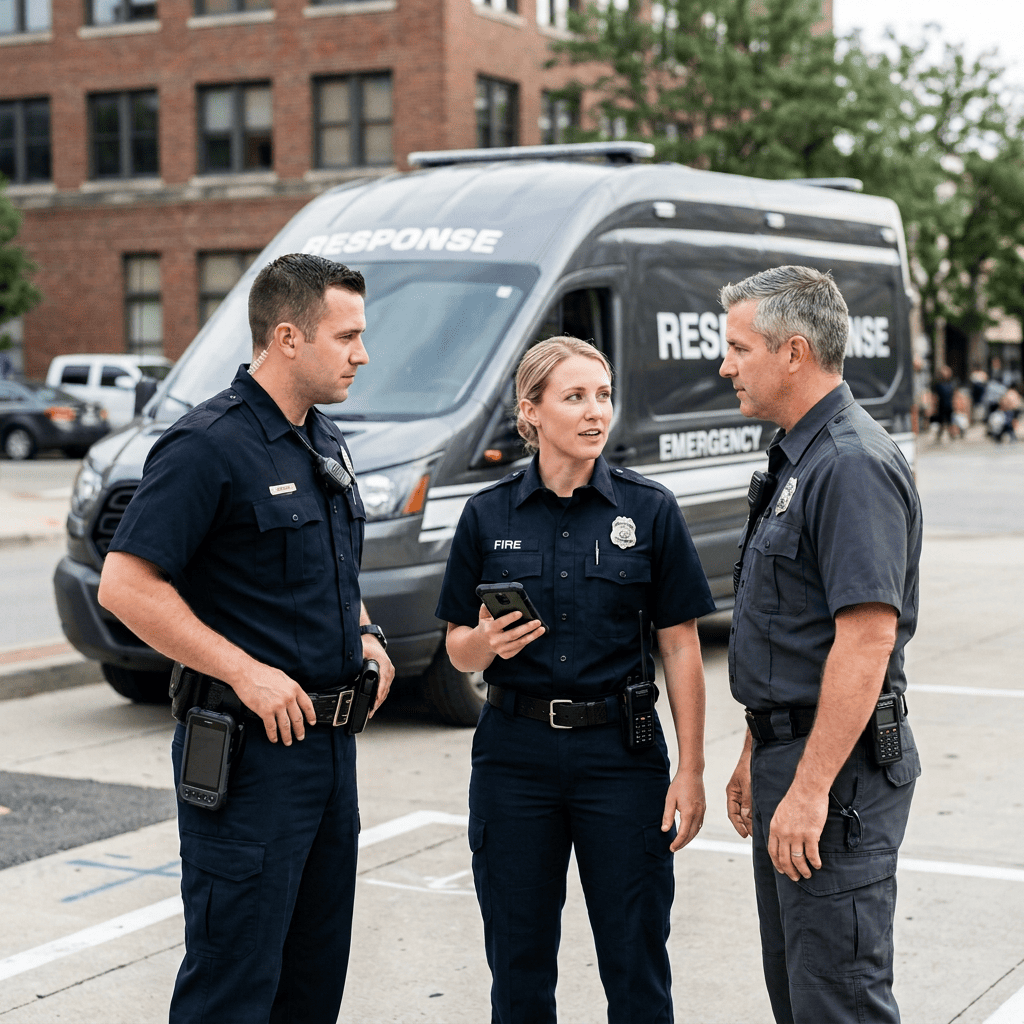
CPR³ Public Safety Operations Hub 

Public safety professionals rely on immediate access to critical applications, communication tools, and operational information while working in rapidly changing environments. 

First responder accessing CPR³ Public Safety Operations Hub on a mobile device

Common Challenges

  • Multiple disconnected applications
  • Delayed access to operational information
  • Limited coordination during incidents
  • Fragmented communication workflows
  • Difficulty accessing critical resources in the field

How CPR³ Helps

  • Unified Mobile Experience - Provide responders with access to the operational tools they use every day.

  • Operational Resource Library - Centralize procedures, contacts, documents, maps, and other mission-critical information.

  • Communication Integration - Bring together the communication applications and operational resources responders rely on.

  • Incident Support - Improve situational awareness by giving personnel immediate access to relevant operational information.

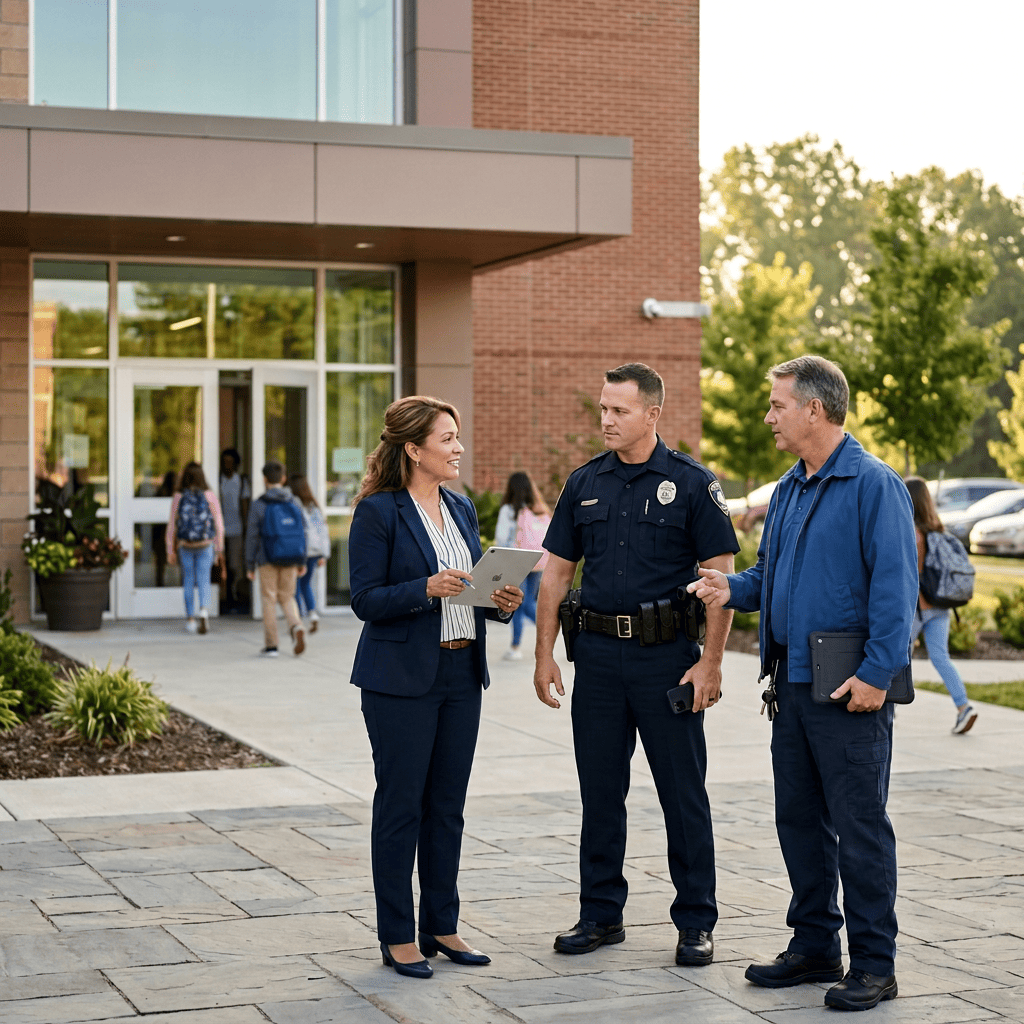
CPR³ Command Center for Education 

School districts rely on dozens of systems to manage safety, communication, student information, transportation, attendance, and daily operations. During emergencies—or even routine school operations—leaders often have to switch between disconnected applications, outdated paper binders, and unreliable communication tools. 


The CPR³ Command Center transforms connected smartphones, tablets, and rugged handheld devices into a mobile command center, giving administrators, school leaders, security personnel, and staff secure access to the applications, communication tools, and operational resources they need—anytime, anywhere. 

School administrator using CPR³ Command Center on a tablet

Common Challenges

  • Critical information spread across multiple applications
  • Paper emergency plans, rosters, and clipboards that quickly become outdated
  • Limited communication during evacuations, reunifications, or campus incidents
  • Difficulty accessing student information, parent contacts, and operational resources while away from the office
  • District systems that become inaccessible during network disruptions or campus emergencies

How the CPR³ Command Center Helps

  • Mobile Command Center - Provide school leaders with a secure, portable command center that keeps critical operational tools at their fingertips—whether they're in the district oce, on campus, or responding to an emergency.

  • Unified District Applications - Bring together district-approved applications such as student information systems (SIS), attendance, parent communication, transportation, safety platforms, emergency notification tools, calendars, contacts, and operational dashboards into one mobile experience.

  • Operational Continuity - Maintain access to communication, student information, and district resources even when campus Wi-Fi or internal networks are unavailable through reliable 5G connectivity.

  • Configurable for Every Role - Customize the experience based on each user's responsibilities. Administrators, principals, school resource ocers, transportation teams, counselors, security personnel, and district leadership can all have role-specific applications, resources, and operational tools.

  • Built Around Your District - CPR3 is designed around your existing technology ecosystem—not the other way around. Integrate the safety applications, panic button solutions, communication platforms, transportation systems, parent engagement tools, and operational resources your district already relies on into one streamlined mobile experience.

CPR³ Care Coordination Hub 

Healthcare organizations require secure, mobile access to patient information, care coordination tools, communication platforms, and operational resources across the continuum of care. 

Healthcare worker using CPR³ Care Coordination Hub on a mobile device

Common Challenges

  • Disconnected care coordination
  • Delayed communication
  • Multiple clinical applications
  • Limited visibility into patient support resources
  • Inefficient mobile workflows

How CPR³ Helps

  • Care Coordination - Centralize the applications and resources care teams use throughout the patient journey.

  • Patient Support - Provide access to educational resources, care plans, and remote care applications.

  • Mobile Clinical Resources - Bring together communication, documentation, and operational tools into one mobile experience.

  • Configurable Healthcare Workflows - Customize deployments based on clinical departments, patient populations, and care models.

CPR³ Business Operations Hub 

Businesses rely on fast access to operational information, communication tools, and business applications to keep employees productive and operations running efficiently. 

Employee using CPR³ Business Operations Hub on a mobile device

Common Challenges

  • Employees switching between multiple applications
  • Disconnected operational resources
  • Communication inefficiencies
  • Difficulty accessing critical business information remotely

How the CPR³ Command Center Helps

  • Operational Applications - Provide employees with quick access to the tools they use every day.

  • Communication Resources - Bring together messaging, collaboration, and business communication platforms.

  • Business Continuity - Support employees with mobile access to critical operational resources during disruptions.

  • Configurable by Business Function - Customize experiences for operations, management, customer service, administration, or executive leadership.

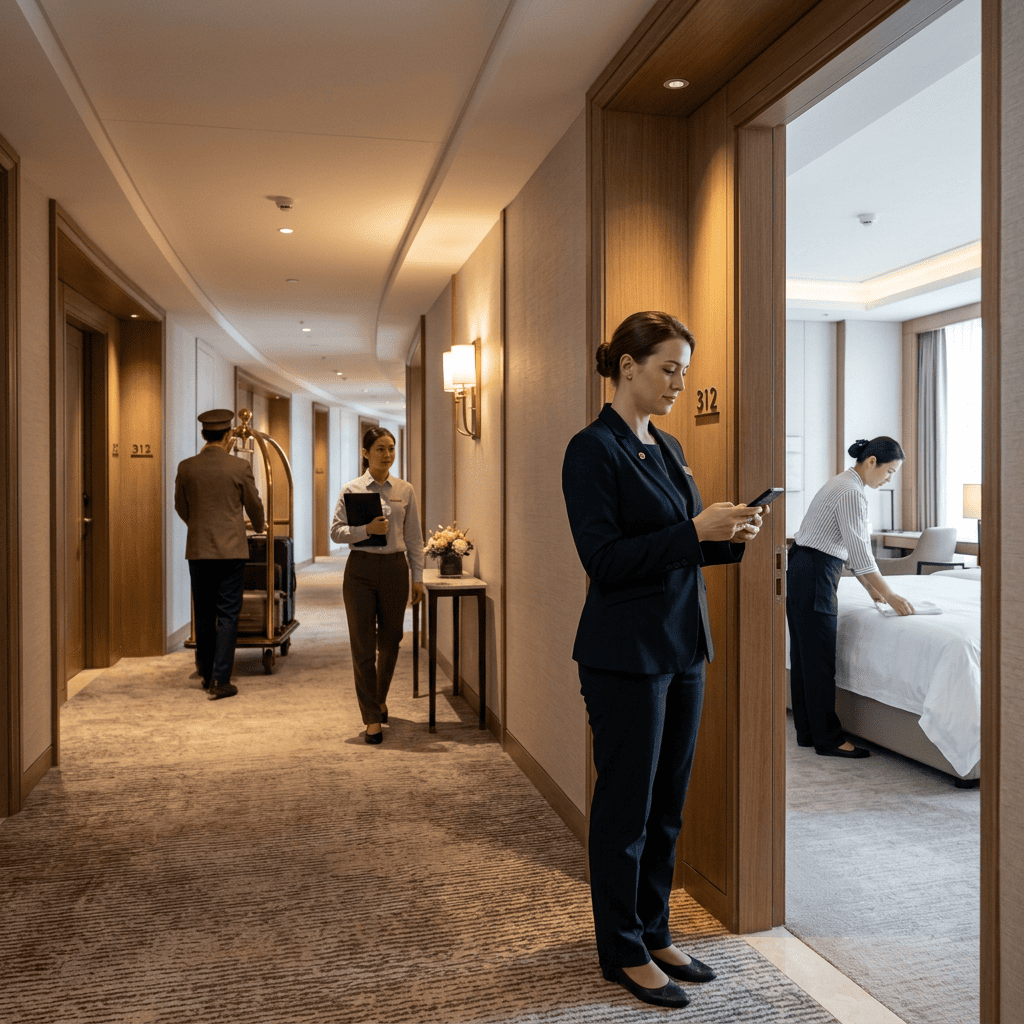
CPR³ Workforce Hub for Hospitality 

Hospitality teams rely on mobility, communication, and operational coordination to deliver exceptional guest experiences. 

Hospitality staff member using CPR³ Workforce Hub on a mobile device

Common Challenges

  • Communication gaps between departments
  • Multiple disconnected operational systems
  • Delayed access to guest service resources
  • Inconsistent operational workflows

How CPR³ Helps

  • Workforce Communication - Keep sta connected throughout the property.

  • Operational Resources - Provide access to procedures, checklists, and departmental applications.

  • Mobile Productivity - Support housekeeping, maintenance, security, engineering, and management teams.

  • Customized by Role - Deliver dierent mobile experiences based on each employee's responsibilities.

CPR³ Retail Operations Hub 

Retail organizations depend on connected store operations, communication, and business continuity across multiple locations. 

Retail associate using CPR³ Retail Operations Hub on a mobile device

Common Challenges

  • Limited visibility across stores
  • Disconnected communication tools
  • Operational disruptions
  • Multiple business applications

How the CPR³ Helps

  • Store Operations - Centralize store applications, operational resources, and communication tools.

  • Business Continuity - Maintain access to critical resources during outages and disruptions.

  • Employee Productivity - Give associates the information they need without switching between multiple applications.

  • Configurable by Store Role - Support managers, associates, operations teams, and regional leadership.

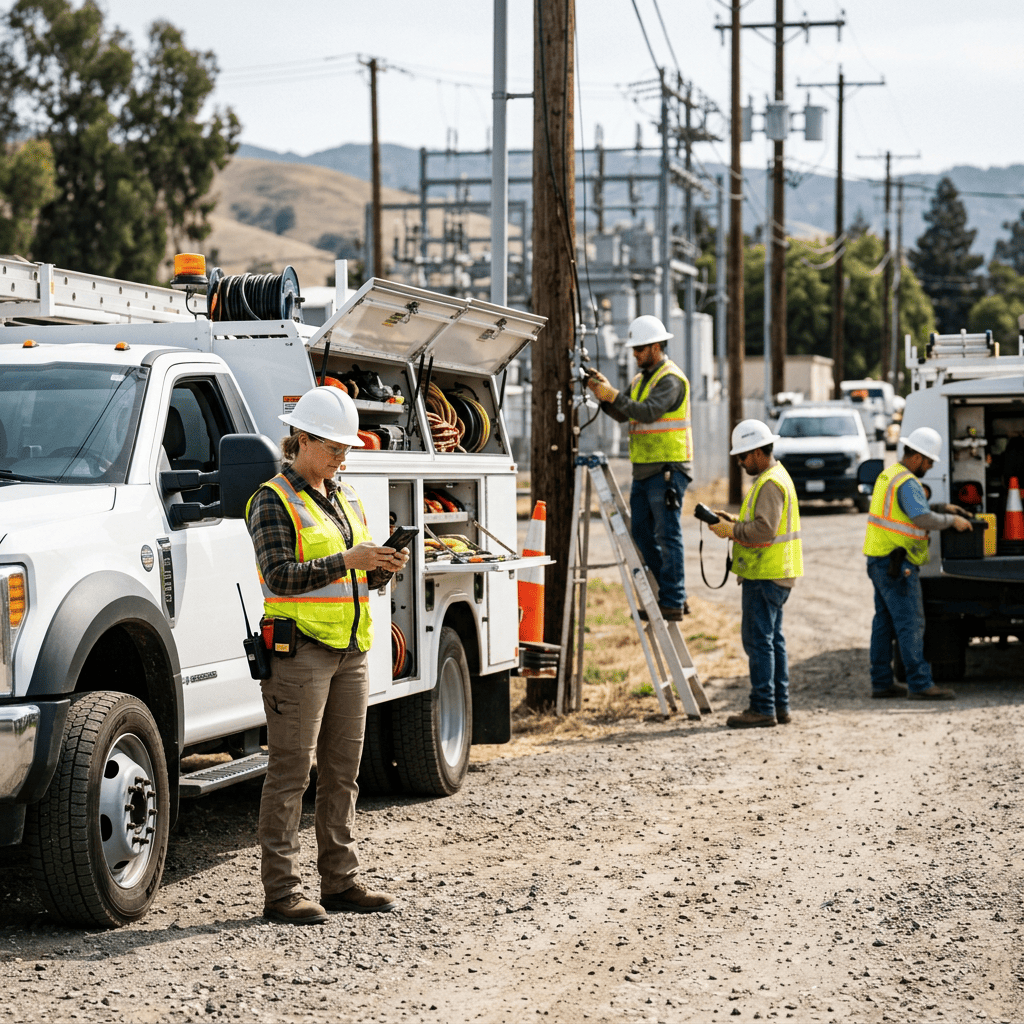
CPR³ Field Operations Hub 

Field employees need secure access to operational applications, communication tools, documentation, and safety resources while working remotely. 

Field technician using CPR³ Field Operations Hub on a mobile device

Common Challenges

  • Disconnected mobile applications
  • Limited access to operational information
  • Communication delays
  • Difficulty accessing field documentation

How CPR³ Helps

  • Mobile Operations - Provide one mobile experience for communication, documentation, and operational resources.

  • Field Productivity - Reduce time spent searching for applications and information.

  • Configurable Workflows - Support technicians, inspectors, utility workers, construction teams, maintenance crews, and service organizations.

  • Connected Field Operations - Keep mobile teams connected wherever work takes them.

A Platform Built Around Your Organization

No two organizations operate the same way.

That's why every CPR³ deployment is designed around your operational workflows, users, and business objectives.

CPR³ can bring together:

1-Aug-24-2026-09-46-53-4752-AM

Business Applications

2-Aug-24-2026-09-46-53-4883-AM

Maps & GIS

3-Aug-24-2026-09-46-53-5028-AM

Safety Applications

4-Aug-24-2026-09-46-53-5454-AM

Operational Dashboards

5-Aug-24-2026-09-46-53-5308-AM

SOPs & Documentation

6-Aug-24-2026-09-46-53-5588-AM

Panic Button Solutions

7-Aug-24-2026-09-46-53-5934-AM

Communication Platforms

8-Aug-24-2026-09-46-53-6152-AM

Remote Patient Monitoring Applications

9 (2)

Dispatch Applications

10-Aug-24-2026-09-46-53-6332-AM

Resource Libraries

11-4

Telehealth Solutions

12-3

Web-Based Applications

5-Aug-24-2026-09-46-53-5308-AM

Digital Forms

14-2

Workforce Applications

15-1

Custom Business Applications

16

Incident Reporting Tools

17

Transportation Resources

Rather than replacing your existing technologies, CPR³ helps bring them together into one streamlined mobile experience. 

Why Deploy CPR³ with Premier Wireless? 

Built Around Your Workflows

Every CPR³ deployment is designed around your operational needs, users, and existing technology ecosystem. 

Industry Expertise

Premier Wireless understands how organizations across education, healthcare, government, hospitality, retail, public safety, and field services operate—and designs solutions accordingly. 

Complete Deployment & Long-Term Support

From solution design and device configuration to deployment, training, connectivity, and ongoing support, Premier Wireless provides a complete implementation strategy. 

Powered by T-Mobile's Nationwide 5G Network

As a T-Mobile for Business partner, Premier Wireless delivers reliable nationwide connectivity that keeps CPR³ users connected wherever work happens. 

Build Your Mobile Operations Hub with CPR³

Whether you're creating a Command Center for Education, a Care Coordination Hub for Healthcare, a Retail Operations Hub, or a custom deployment designed specifically for your organization, CPR³ provides the flexibility to bring together the tools and resources your teams rely on every day.

Don't see your industry?

CPR³ is a configurable platform that can be tailored for virtually any organization that needs secure mobile access to communication tools, operational applications, and critical resources. Contact Premier Wireless to discuss how we can design a solution around your unique workflows and objectives.

Ready to learn more?

Contact Premier Wireless today to schedule a consultation.